A portfolio in the wrong format, or one that shows only polished renders, can be set aside before anyone sees how you think. Build it from three to five projects that each show problem, process, iteration and result, then cut and format that set for its destination: a school’s upload rules or an internship reviewer’s quick scan.
An industrial design portfolio template should give every project the same order: problem and role, research, sketches, models and prototypes, the final design and what you learned. School rules then set the format: RISD asks first-year applicants for 12–20 works through SlideRoom, Pratt asks Industrial Design applicants for 10–20 works made in the last 18 months, and ArtCenter asks Product Design applicants for 3–5 complete projects (all read October 7, 2026). Check your target school’s page before you lay anything out.
This guide compiles the published requirements of three US design schools and adds our own page structure, cover specification and a copyable page-by-page template. It does not offer admissions advice, mentoring or reviews, and it does not claim to know what any school prefers beyond what it publishes.
Quick specs
| Input or item | Typical value or source | Why it matters |
|---|---|---|
| Destination | School application, master’s program or internship | Sets count, format and how much text is allowed |
| Number of works or projects | RISD 12–20 works; Pratt Industrial Design 10–20 works; ArtCenter Product Design 3–5 projects | Too many or too few can break the rules or dilute the best work |
| File format | RISD: jpeg, png, gif, mp4, mov in SlideRoom; ArtCenter: multi-page PDF up to 64 MB and 75 pages | A PDF that one school welcomes, another advises against |
| Labels | Pratt: media or materials, dimensions and year for each work | Missing labels slow the review |
| How recent | Pratt: work made within the last 18 months | Older projects may not count |
| Process evidence | ArtCenter: for each project, research, sketches, several directions and photos of rough prototypes or models | Shows how you reached the result, not only the result |
| Extra items | ArtCenter Product Design: a portfolio video or essay is also required | Missing it leaves the application incomplete |
| Observational drawing | Pratt: 3–5 drawings from direct observation; RISD recommends some | Many schools treat drawing as a core skill |
What should an industrial design portfolio include?
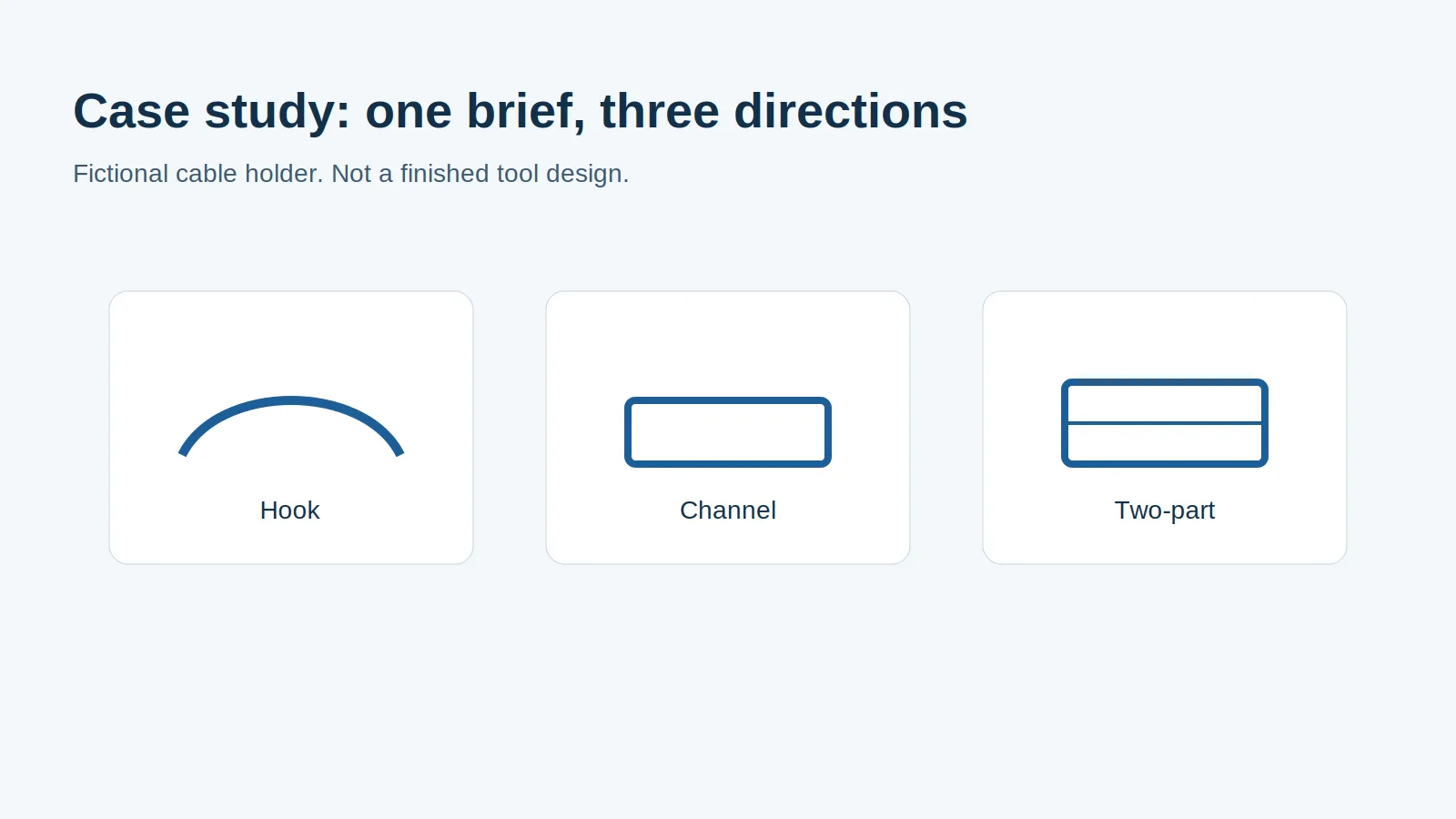
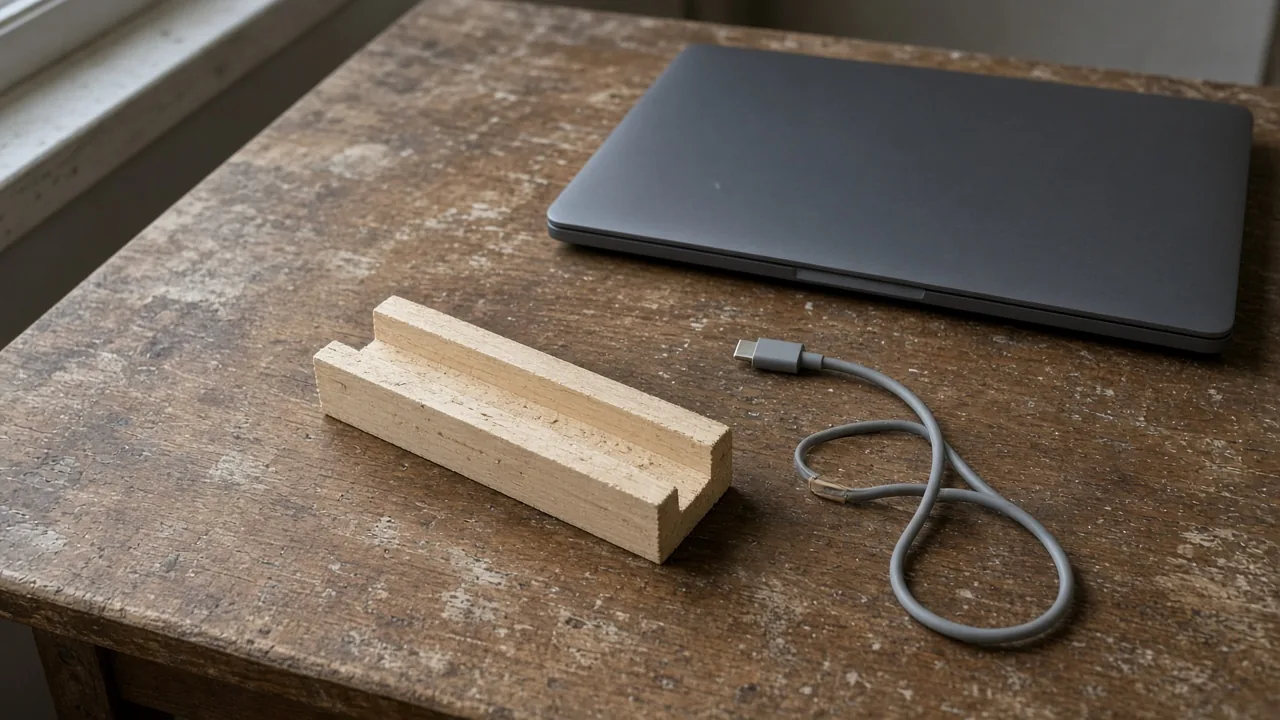
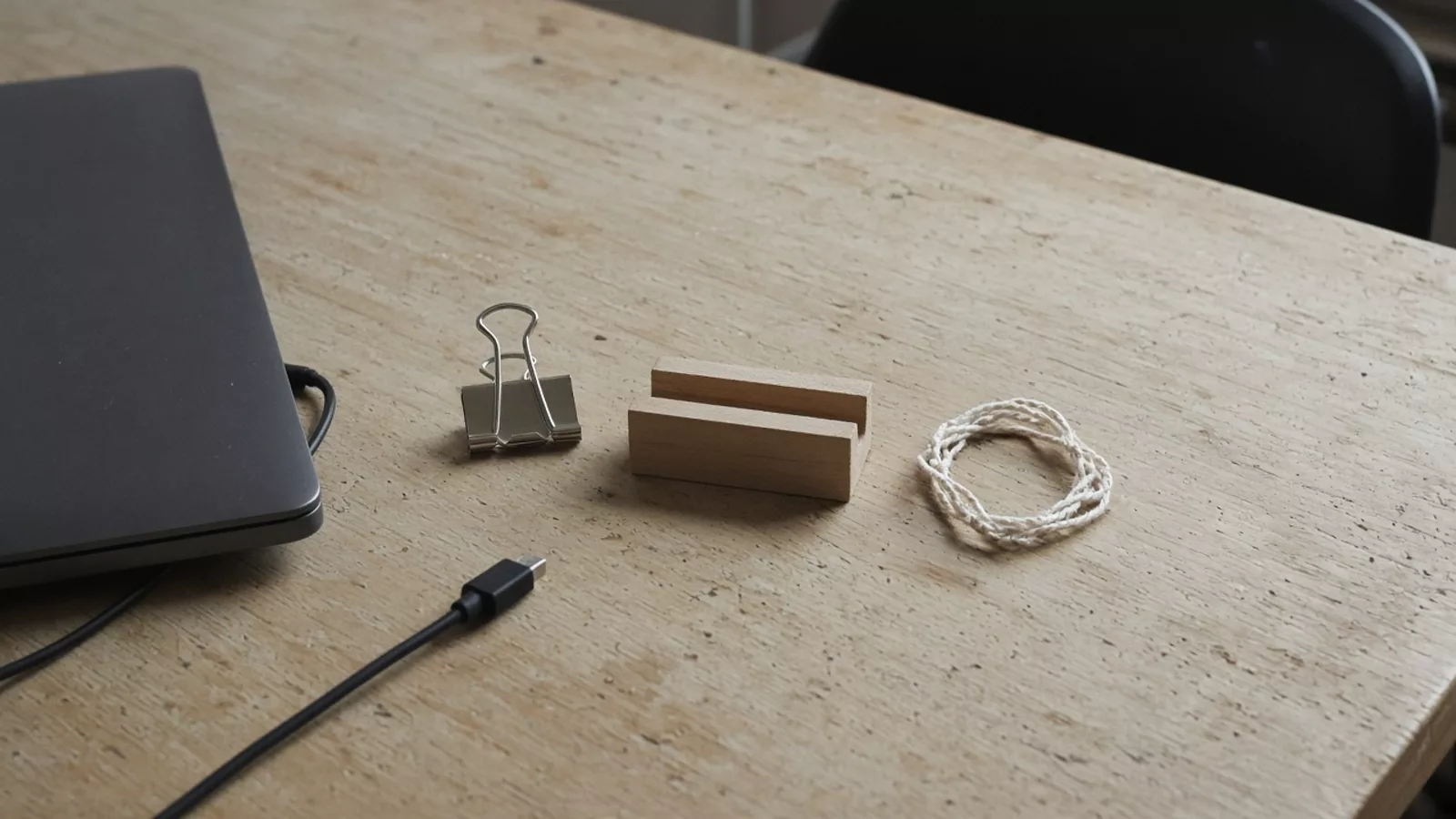
To connect the evidence within one project, use our industrial design portfolio case-study exercise to trace brief constraints through sketch alternatives, a model question and an assembly detail.
Build a master set of three to five projects, our suggestion and exactly ArtCenter Product Design’s range, each told as a story: the problem and who it is for, the research, the ideas you explored, the models and prototypes that tested them, the final design and what you learned. ArtCenter’s Product Design requirements spell out this structure for each project: identify the problem with research and inspiration, show process and ideation with sketches, multiple directions and photos of rough prototypes, then present final renderings or a model.
| Evidence | What it proves | Where it comes from |
|---|---|---|
| Problem statement and user | You can frame a design question | Your research notes |
| Research | You looked before you drew | Observations, interviews, competitor studies |
| Sketches and several directions | You explored, not just executed one idea | Sketchbook, ideation sheets |
| Models and prototypes | You tested ideas physically | Foam, cardboard and printed models from your print-test rounds |
| Process decisions | You chose methods for a reason | Notes on why a part was printed or machined, as in the 3D printing vs CNC comparison |
| Manufacturing awareness | You can take a design toward production | A section showing walls, ribs and draft checked against injection molding design rules |
| Final design | You can resolve and present an idea | Renderings, photos of a finished model |
| Reflection | You learn from results | Two or three sentences per project |
Pratt’s Master of Industrial Design asks for similar elements: text such as descriptions and problem statements alongside images from development sketches to finished work, drawing used as communication, three-dimensional objects, and layout that shows basic graphic design skill. For undergraduate applications, Pratt and RISD ask for a broader visual portfolio, so include strong work in other media too.
If you have no product project yet, analysing a published design can show how you think, as long as you label it as an analysis of public material. A pump redesigned for a brand’s hand care range is a compact example: Aptar describes a large actuator that is usable by people with reduced hand mobility in its L’Occitane pump announcement, and a single-material dispenser raises different questions, as our ALPLA foam pump reading shows.
Takeaway: Choose projects that show the whole path from problem to result, and make the prototypes visible.
How should you lay out each page?
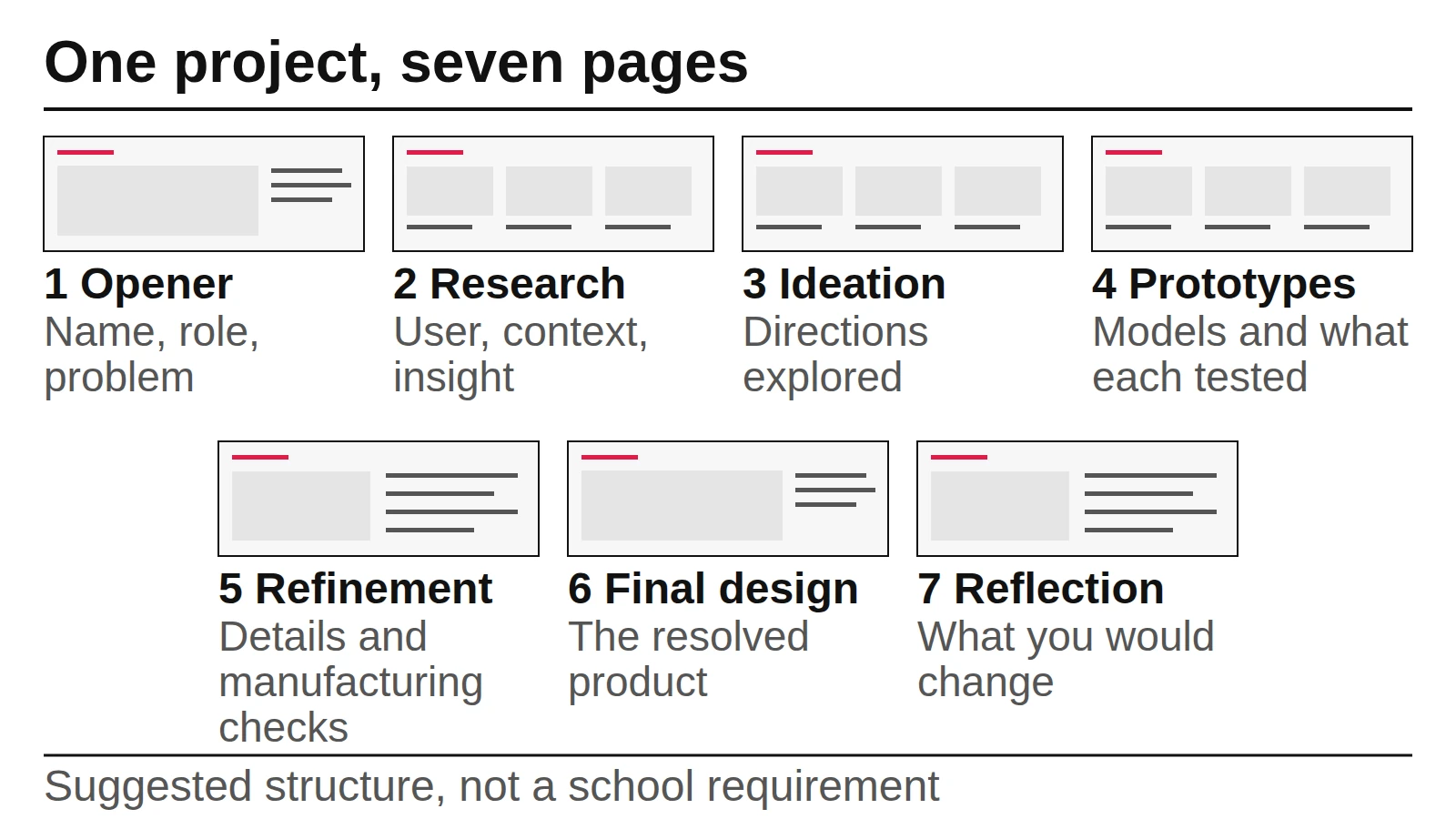
Give each project the same sequence of pages so reviewers learn where to look, and keep one main message per page. The table is our suggested editing structure for PDF and website versions; slide uploads count works rather than pages, so convert it with the second table below.
| Page | Content | Main image | Text |
|---|---|---|---|
| 1. Project opener | Project name, your role, duration, one-line problem | Final design, large | Up to 30 words |
| 2. Research | User, context, key insight | Photo of the context or a research board | One short paragraph |
| 3. Ideation | Several directions, the one chosen and why | Sketch sheet | Captions only |
| 4. Prototypes | Models and what each tested | Photo grid of models | One line per model |
| 5. Refinement | Details, mechanism, materials, manufacturing checks | Section drawings or close-ups | Captions only |
| 6. Final design | The resolved product in use | Rendering or photo of the final model | Up to 40 words |
| 7. Reflection | What worked, what you would change | Small comparison image | Two or three sentences |
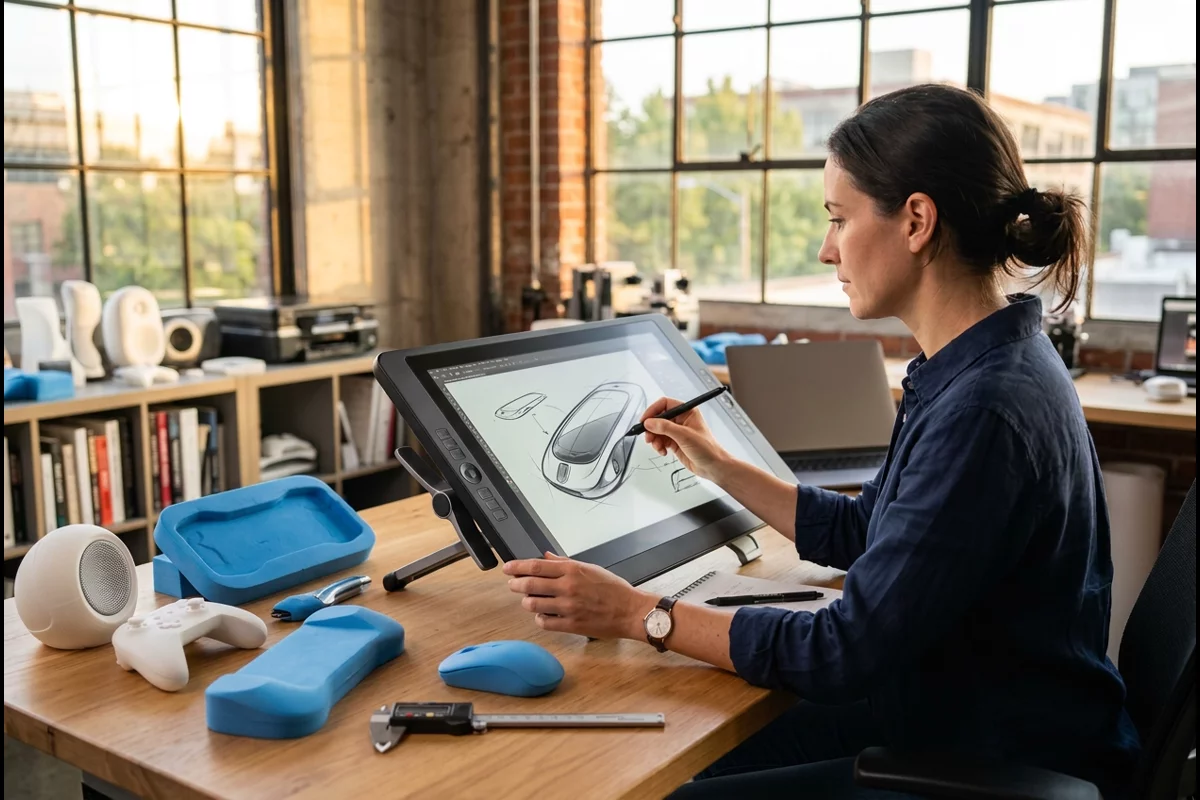
For the grid, a landscape page divided into twelve columns gives you a full-width image, a two-thirds image with a one-third text column, or a three-image row without new rules for each page. Keep the same margins, type sizes and caption position throughout. ArtCenter warns against combining so many images on one slide that the work is no longer clearly visible, and RISD advises no more than four images on a composite slide; treat four as a ceiling on any page. On the refinement page, a section drawing that shows walls, ribs and bosses checked against the rib and boss rules tells a reviewer you considered how the product would be made.
Converting the seven pages for each destination (a project is one design story; a work is one piece a school counts; an upload is one file or slide; a page is one PDF page):
| Destination | What is counted | How to convert the seven pages |
|---|---|---|
| RISD first-year (SlideRoom) | 12–20 works as slides, no text on slides | Keep the final image as one slide; combine up to four process or prototype images into one composite slide; drop the text pages; fill the rest with other strong work |
| Pratt first-year, Industrial Design | 10–20 artworks, labelled with materials, dimensions and year; process kept to a minimum | Mostly final pieces; at most one process image per project; move captions into the label fields |
| ArtCenter Product Design | 3–5 projects, PDF up to 75 pages, plus a video or essay | Use the seven pages almost as they are, trimming text to captions |
| Internship (our suggestion) | Projects in a short PDF | Use pages 1, 4, 5 and 6 for each project, plus a one-page reflection |
Common mistake: Filling the prototype page with a dozen small photos. Show three or four models large enough to read, each with a caption naming what it tested.
Takeaway: Repeat one page sequence for every project and give each page a single message.
What goes on the cover page?
A cover is for PDFs and websites; slide uploads usually go without one. RISD advises against text descriptions in slides and against headers, footers and index pages, so for a SlideRoom submission let the first slide be your strongest work. For a PDF or website, keep the cover to what a reviewer needs to identify you and judge the work.
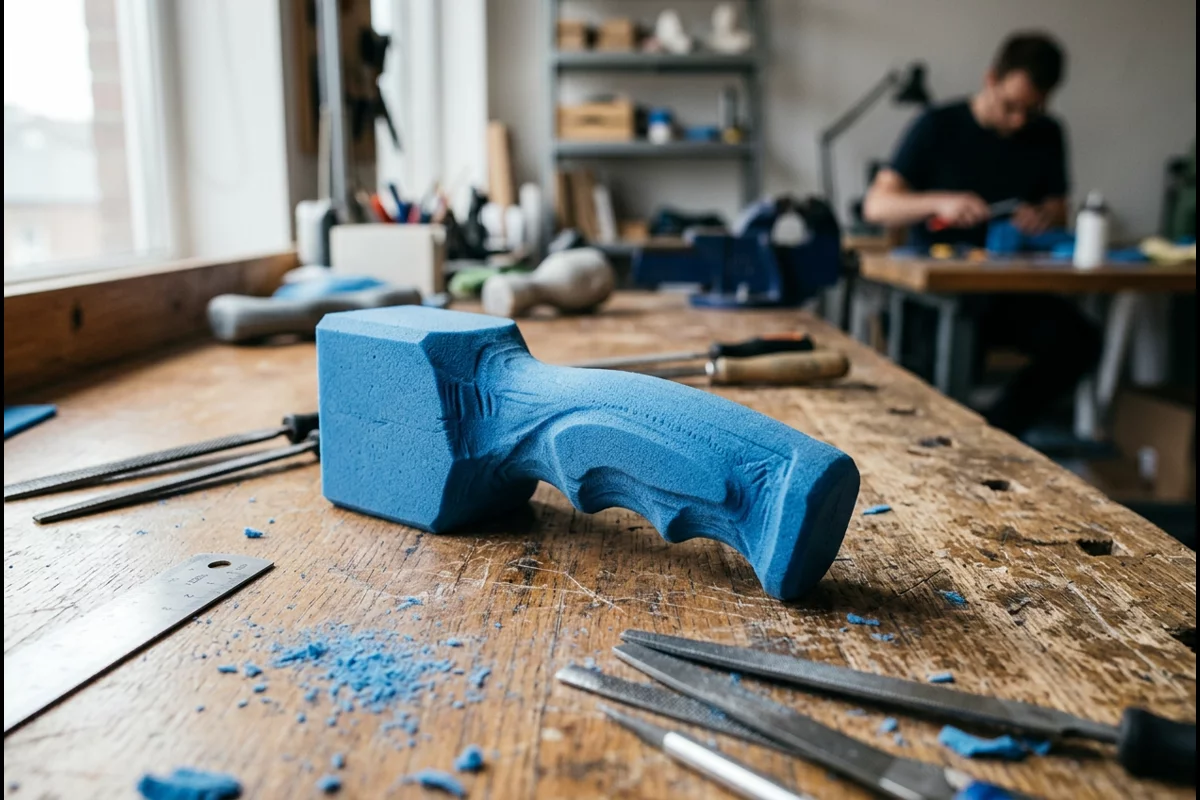
Cover specification, our suggestion:
- Your name as you used it on the application.
- “Industrial Design Portfolio” and the year, or the program name if the school has one.
- One image from your strongest project, not a collage.
- A contact line for internship versions only; school applications already hold your details.
- No logos of schools or companies you have no right to use.
- Same page size as the rest of the file; ArtCenter asks for normal letter-size PDFs, not extremely long or wide pages.
A contents page helps in a PDF of more than three projects. In a slide upload, skip it, because RISD lists index pages among the formats it does not recommend.
Takeaway: Make the cover identify you and show one strong image; for slide uploads, start with the work itself.
University application vs internship: what changes?
A school application follows the published rules and shows potential across media; an internship portfolio, in our suggestion, is shorter, more focused on product work and process, and built to be scanned quickly. The school column below comes from official pages; the internship column is our editorial guidance, since this guide does not compile employer requirements.
| Factor | University application (official sources) | Internship (our suggestion) |
|---|---|---|
| Who reviews it | Admissions staff and faculty; Pratt reviews it with the academic record | A designer or manager scanning many portfolios |
| Scope | Broad visual work; RISD and Pratt do not require a product focus for first-year applicants | Product projects first, related to the role |
| Count | RISD 12–20; Pratt 10–20; ArtCenter Product Design 3–5 projects | Three or four projects |
| Format | Set by the school: SlideRoom images, PDF limits, ArtCenter’s video or essay | A PDF of manageable size plus a website link |
| Text | RISD advises against text in slides; Pratt M.I.D. asks for text | Short captions and your role on each project |
| Group work | Some programs ask for your contribution; Pratt’s Interior Design M.F.A. asks for it explicitly | Always state what you did yourself |
| Drawing | Pratt asks for 3–5 observational drawings | Sketching shown inside projects |
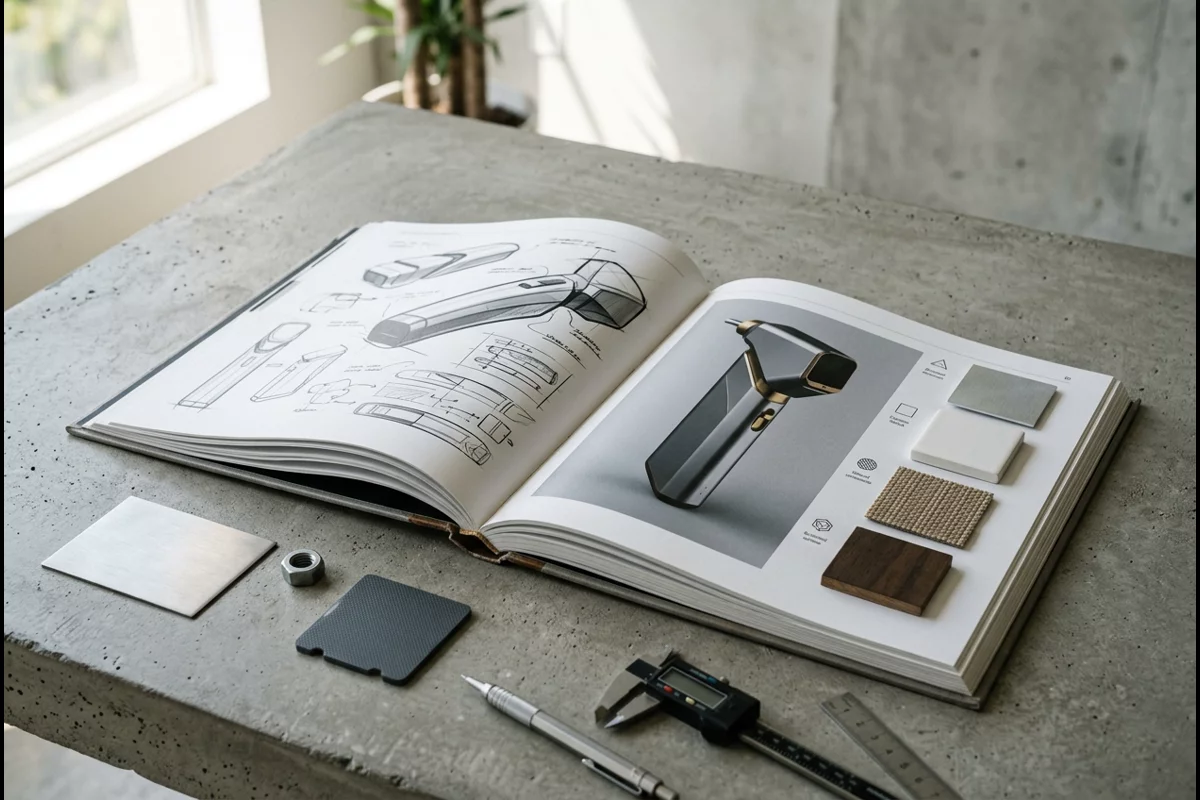
Common mistake: Sending the same file to a school and an internship. A school may require formats and labels an employer never asked for, and an employer may never get past a long general art section.
Takeaway: Keep one master set of projects and export two versions with different counts, formats and text.
A copyable page-by-page template
Copy the template below into your layout tool and fill one block per project. Every field maps to a page in the layout table; delete any field a school’s rules do not allow, such as long text in slide uploads.
PROJECT [number]: [Project name]
Role: [What you did yourself; name collaborators if it was group work]
Duration and context: [e.g. 6 weeks, studio course / personal project]

PAGE 1 — OPENER
Problem in one line: [Who struggles with what, in which situation]
Hero image: [Final design, largest image in the project]

PAGE 2 — RESEARCH
User and context: [Who, where, how often]
Key insight: [One sentence that changed your direction]
Image: [Context photo or research board]

PAGE 3 — IDEATION
Directions explored: [Number of directions, one line each]
Chosen direction and reason: [Why this one]
Image: [Sketch sheet]

PAGE 4 — PROTOTYPES (iteration evidence)
Model 1: [Material/process] — tested [question] — result [what you learned]
Model 2: [Material/process] — tested [question] — result [what you learned]
Model 3: [Material/process] — tested [question] — result [what you learned]
Image: [3–4 model photos, large enough to read]

PAGE 5 — REFINEMENT
Details resolved: [Mechanism, material, manufacturing checks]
Image: [Section drawing or close-up]

PAGE 6 — FINAL DESIGN
Result: [What the design does, in one or two sentences]
Image: [Rendering or photo of the final model in use]

PAGE 7 — REFLECTION
What worked: [One sentence]
What I would change: [One sentence]
Next step: [One sentence]

LABELS (if the school asks): [Media or materials], [dimensions], [year]
Check that the prototype block is filled for every project; it is easy to complete if you kept records of each round; the rapid prototyping guide suggests what to record. Label analysis of other companies’ products as such, and do not imply that a company endorsed or commissioned your project.
Takeaway: Fill the same fields for every project; empty fields show you where the evidence is thin.
How many pages should an industrial design portfolio be?
There is no single rule; the destination sets it. For school applications, follow the published counts: RISD’s 12–20 works, Pratt’s 10–20 works for Industrial Design, or ArtCenter’s 3–5 projects with uploaded documents limited to 75 pages. With the seven-page structure above, five projects come to about 35 pages before any other work, so trim pages rather than projects when a limit is tight.
| Destination | Published limit | Practical length with this template |
|---|---|---|
| RISD first-year | 12–20 works as slides | One to three slides per project plus other strong work |
| Pratt first-year, Industrial Design | 10–20 works | Final pieces first; process kept to a minimum, as Pratt asks |
| ArtCenter Product Design | 3–5 projects; documents up to 75 pages and 64 MB; video or essay required | 3–5 projects at five to seven pages each, plus the video or essay |
| Pratt M.I.D. | No count given; multi-page PDF recommended | Three or four full projects |
| Internship | No published rule | Our suggestion: three or four projects, short enough to scan in a few minutes |
Takeaway: Start from the destination’s limit and cut pages within projects before cutting a strong project.
Final checklist before you submit
Run this list against the target school’s or employer’s own page, not against this article; requirements change between application cycles.

| # | Check | Source of the rule |
|---|---|---|
| 1 | Count of works or projects inside the published range | The school’s page |
| 2 | File types accepted by the platform | RISD and ArtCenter pages |
| 3 | File size and page limits met; extra items such as a video or essay included | ArtCenter: 64 MB, 75 pages, video or essay for Product Design |
| 4 | Each work labelled with materials, dimensions and year, if asked | Pratt |
| 5 | Work recent enough | Pratt: last 18 months |
| 6 | Process shown in every project: research, sketches, prototypes | ArtCenter asks for it per project; Pratt M.I.D. asks for process and execution |
| 7 | Observational drawings included, if asked | Pratt, RISD |
| 8 | Your role stated on every group project | Pratt Interior Design M.F.A. asks; good practice everywhere |
| 9 | AI use disclosed or avoided as the school requires | Pratt AI policy |
| 10 | Images in focus, well lit and cropped | RISD, Pratt and ArtCenter documentation advice |
For more on presenting design work, see our product design articles and the portfolio tag.
Takeaway: Check every item against the official page of the place you are applying to.
When this does not apply
This guide covers portfolios for US undergraduate and graduate design programs and for product design internships. It does not fit every case:
- Other schools and countries. Requirements differ; RISD, Pratt and ArtCenter are examples, not a standard. Read your school’s page.
- Changing rules. The requirements quoted were read on October 7, 2026 and can change between application cycles.
- First-year programs. RISD first-years enter a foundation year and choose a major later, so a product-only portfolio is not expected there.
- Senior job applications. Professional portfolios add shipped products, client constraints and confidentiality rules this guide does not cover.
- Admissions outcomes. We publish no admission data and offer no reviews, mentoring or application help.
Takeaway: Use the template for structure and the school’s own page for every rule.
Reference sources and scope
We compiled this guide on October 7, 2026 from the official admissions pages of RISD (first-year application checklist and portfolio guidelines), Pratt Institute (undergraduate requirements for high school applicants, including its AI policy, and graduate departmental requirements) and ArtCenter College of Design (portfolio requirements by major and submission instructions). The page structure, cover specification, internship column, page counts per template and the copyable template are our own editorial work. Nothing here comes from admissions staff, reviewers or employers, and this site is not affiliated with any school.
Takeaway: Use the template to organise your work, then recheck every count and format against the current official page.
Related reading:
- Rapid prototyping with 3D printing — Plan prototype rounds that give you portfolio evidence.
- 3D printing vs CNC machining for prototypes — Explain why each model was printed or machined.
- Injection molding design rules — Add a manufacturing check to a project’s refinement page.